You Don't Need to Code. You Just Need to Know What You Want.
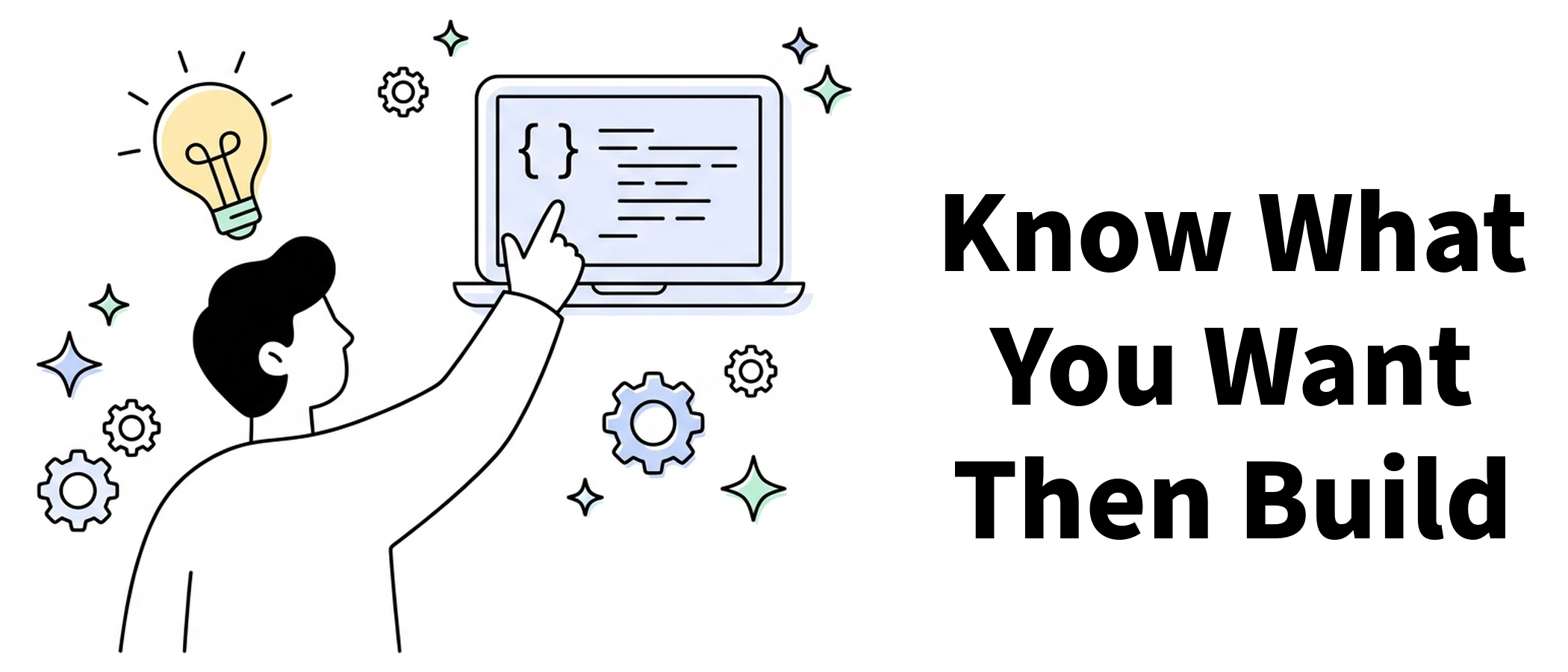
Something That Made Me Stop and Think
A Greek programmer named Stavros wrote an article called How I Write Software with LLMs. There was one line in it I read three times:
“I thought I loved programming. Turns out I love building things. Programming was just the means.”
That hit me hard.
Because I’m exactly the kind of person who can’t code but desperately wants to build things. Over the past year, I’ve used AI to set up an entire automated video production pipeline—topic selection, video generation, publishing, the works. Every script, every API call, every data processing step was written by AI.
I haven’t typed a single line of code myself. But I understand every module’s logic better than anyone.
Today I want to take my own hard-won lessons, combine them with real-world insights from two top developers—Google Chrome engineer Addy Osmani and that same Stavros—and distill them into a practical method anyone can use.
No hype. No fear-mongering. Just: what AI can do, what it can’t, and how to maximize your chances of success.
Is AI-Generated Code Actually Reliable?
Let’s start with the numbers.
GitHub data shows developers using Copilot complete tasks 55% faster. 84% of developers are already using or planning to use AI coding tools. Developers who use AI daily submit 60% more pull requests than light users.
Sounds great, right? Hold on.
The same data shows: 45% of developers say debugging AI-generated code sometimes takes longer than writing it from scratch.
That’s the honest state of AI coding—it’s not magic, but for people who use it right, it’s genuinely transformative.
The key phrase: “use it right.”
Stavros nailed it:
“The difference in results between people using LLMs is staggering.”
Why does AI double productivity for some people while others find it useless? It’s not the tool. It’s the method.
How the Pros Actually Use AI to Code
Rule #1: Write a Spec First, Then Start
Addy Osmani is blunt about this:
Don’t start by telling AI “build me an X.”
His first step is always: write a detailed requirements document together with AI (he calls it spec.md). What you’re building, what the data structures look like, edge cases, testing strategy—all of it.
Most people skip this step. You think you’re saving time. You’re actually digging yourself a hole.
Tell AI “build me a budgeting app” and yes, it’ll give you code. But that code will probably be: scattered functionality, tangled logic, fix one thing and three others break.
The right move: spend 15 minutes writing out what you want in plain language. The more specific, the better:
- Who’s it for?
- What are the core features? (Track expenses → categorize → monthly report)
- Where does data live? (Local? Cloud?)
- Does it need login?
- What’s the simplest usable version?
Addy calls this “doing 15 minutes of waterfall”—quick but complete planning that unlocks hours of smooth execution afterward.
Non-tech translation: You wouldn’t walk into a restaurant and say “give me food.” You’d say “a bowl of beef noodle soup, thin noodles, spicy, add an egg.” Talking to AI is the same deal.

Rule #2: One Thing at a Time
Addy keeps hammering this:
“LLMs do best when given focused prompts: implement one function, fix one bug, add one feature at a time.”
You can’t dump an entire app on AI and say “finish it.” The result, as someone memorably put it:
“Like 10 developers coding simultaneously without ever talking to each other.”
Total chaos.
The right approach: break the project into small steps. Do one step, test it, confirm it works, then move on. Build it like stacking blocks—one at a time.
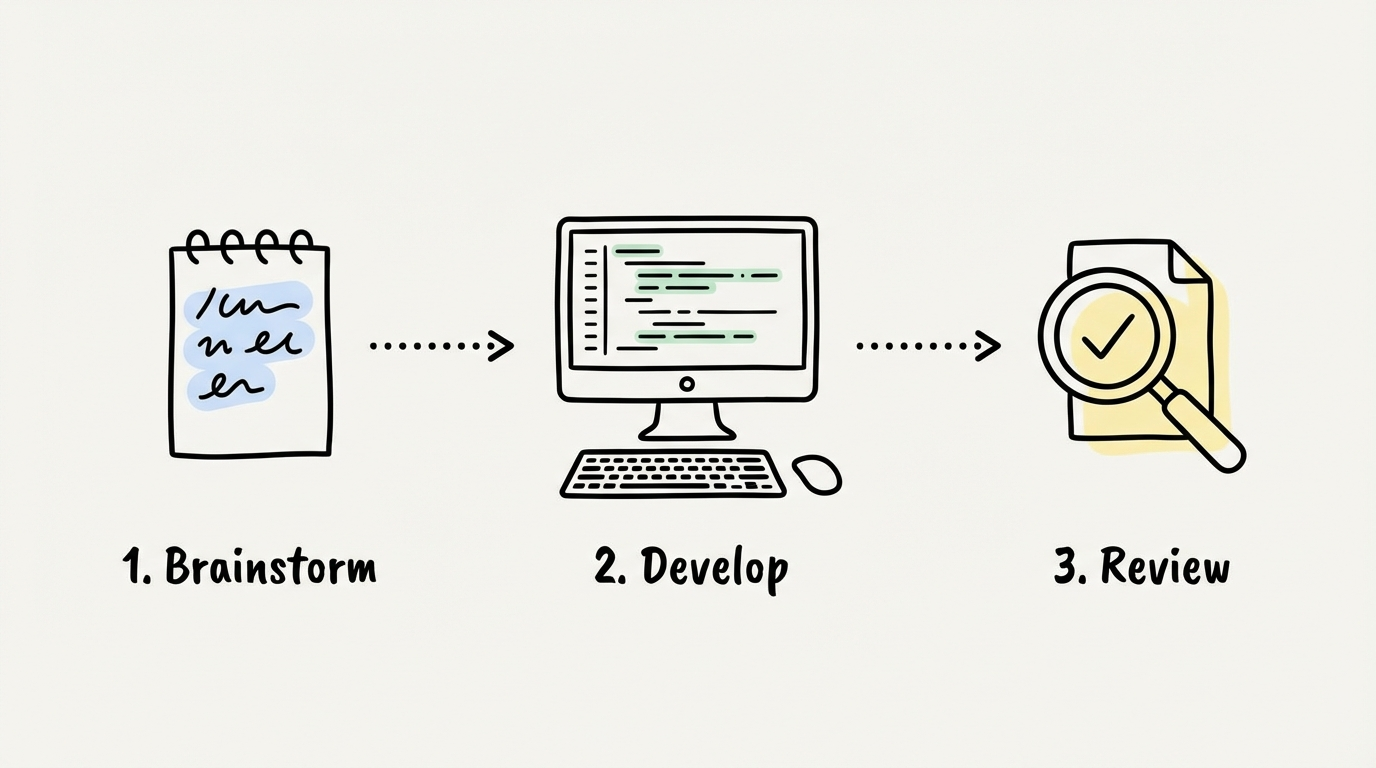
Rule #3: Let Different AIs Check Each Other
This is Stavros’s killer move—and honestly the most valuable insight in this whole post.
His workflow:
- Architect (Claude Opus): Design the plan only, no code. Map out every file and function.
- Developer (Claude Sonnet): Take the plan and write the code. Fast and efficient.
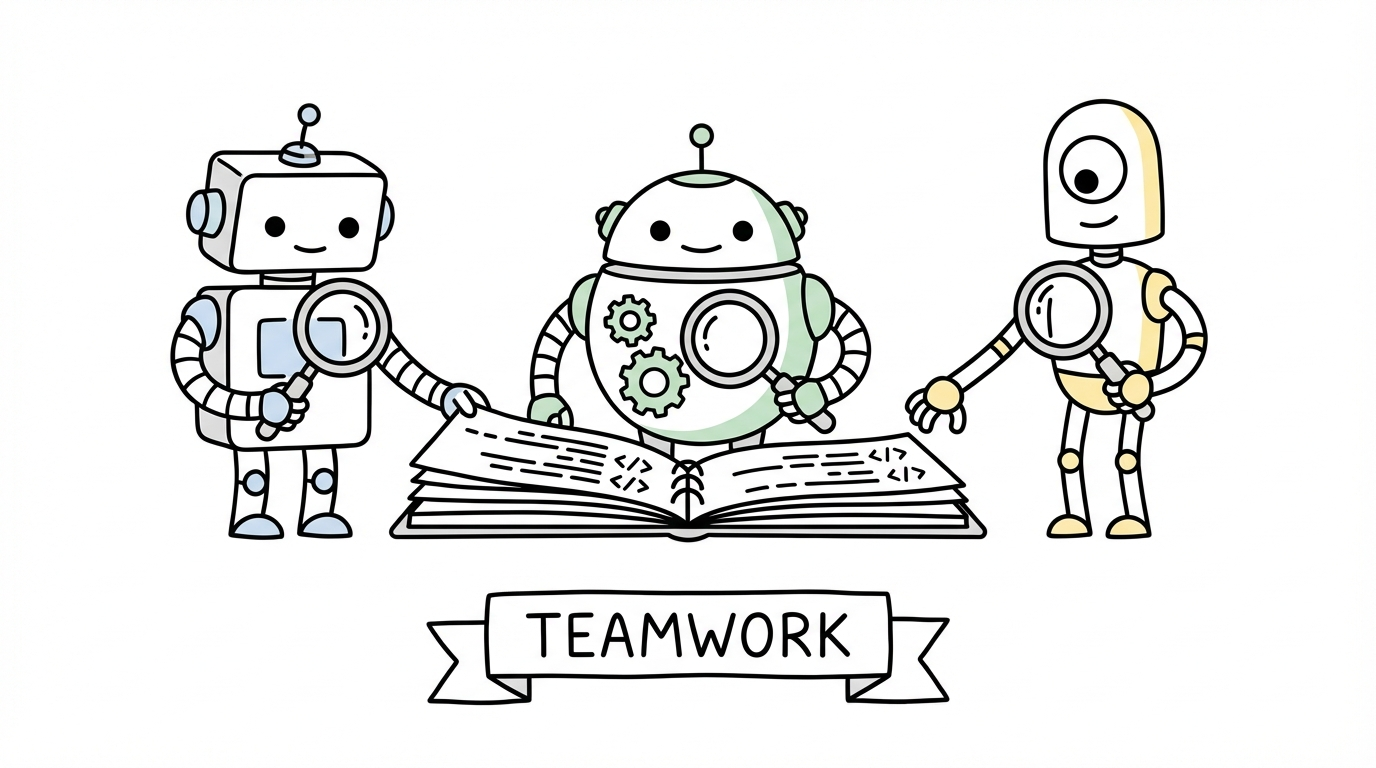
- Reviewers (OpenAI Codex + Google Gemini + Claude Opus): Three different companies’ AIs review the code independently.
Why use AIs from different companies? Because a model reviewing its own code is like a student grading their own test—you can’t see your own mistakes. Stavros calls this “self-agreement bias.”
Cross-reviewing with different models is like having three unrelated colleagues review your work. You find way more problems.
Non-tech translation: You write an article, read it three times, still think it’s perfect. Send it to a friend—typos everywhere. Same with AI. It can’t catch its own mistakes. You need an outsider.
What Non-Coders Have Actually Built
This isn’t just for programmers. In 2025-2026, plenty of non-coders have shipped real products:
Ye Jianfeng—a liberal arts student with zero coding background. Used AI to build an emotional assessment mini-program. Hit 1 million views after launch, made ¥12,000 in two weeks.
Blake—no coding background. Used ChatGPT to write Swift code. Made three apps in two years (AI dating assistant, attractiveness scorer, calorie counter). Annual revenue broke $1 million.
Guo Guo from Chengdu—31 years old, no coding background. “Dictated” requirements to AI in conversation and built a habit-tracking app. Under two months: 850 sales, nearly ¥9,000.
These people have one thing in common: they didn’t know code, but they knew exactly what they wanted.
Clear requirements + AI execution = shipped product.
And what about the failures? Almost all of them died in one place: they didn’t know what they wanted, and expected AI to figure it out for them.
AI is a tool, not a product manager.
What AI Does Well vs. What It Doesn’t
Save this list:
✅ AI is great at:
- Frontend pages (HTML/CSS/JavaScript)
- Backend API endpoints
- Data processing scripts
- Small tools and utilities
- Automation workflows
- Repetitive CRUD code
- Writing test cases
⚠️ AI can do these, but watch it carefully:
- Complex business logic (subtle logical errors creep in)
- Database design (functional, but not always optimal)
- Cross-system integration (edge cases get missed)
❌ AI is bad at:
- Complex system architecture (this is where human engineers are irreplaceable)
- High-security systems (payments, medical, financial—AI-written code has a 70% higher security vulnerability rate)
- Maintaining large legacy codebases (lacks business context)
- Performance micro-optimization (AI code often “works but is slow”)
Stavros put it perfectly:
“In domains I know well (backend), AI writes better code than I do. In domains I don’t (mobile), the code quickly becomes a mess.”
Translation: In areas you understand, AI is an amplifier. In areas you don’t, AI is a magnifier—of your ignorance.
The 5-Step Method You Can Use Today
If you’re a non-coder who wants to build something with AI, this is the process with the highest success rate:
Step 1: Get Clear on What You Want (20 min)
Open a doc and write in plain language:
- Who is this for?
- What are the core features? (3 max)
- What does the simplest version look like?
- What’s a reference product? (screenshot or link)
Step 2: Build a Requirements Doc with AI (30 min)
Give AI your Step 1 notes. Ask it to help flesh things out:
- “Turn this into a detailed requirements document”
- “What edge cases am I missing?”
- “What should the MVP include?”
Step 3: Get AI to Make a Development Plan (10 min)
Take the requirements doc and ask AI to break development into 5-10 small, independently testable steps.
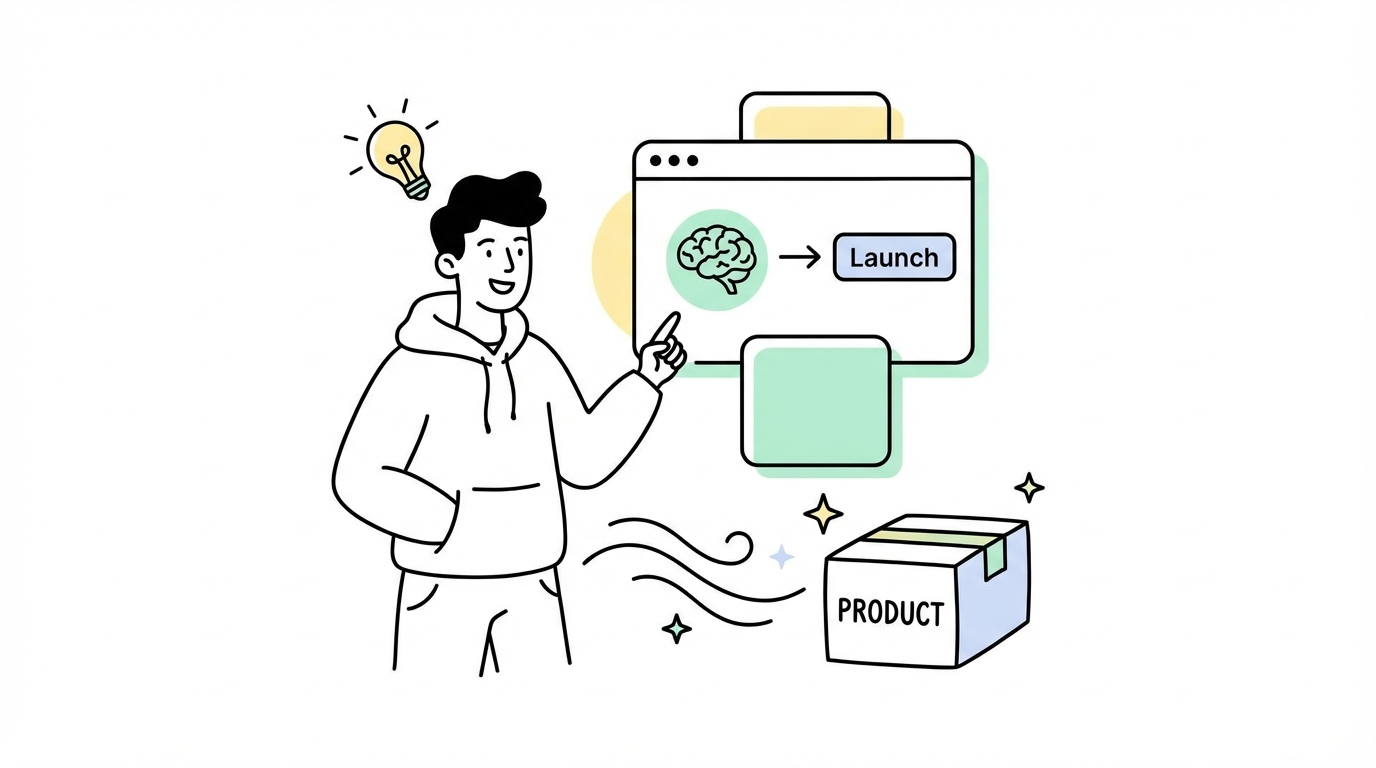
Step 4: Execute One Step at a Time (main time investment)
Follow the plan. Test after each step. Hit a bug? Paste the error message directly to AI and let it fix it.
Step 5: Get a Different AI to Review (20 min)
Once everything works, paste the code to a different AI (wrote it with Claude? Use ChatGPT to review). Ask it to find bugs and security issues.
This won’t guarantee you build the next TikTok. But for a functional small tool, mini-program, personal website, or automation script—it’s more than enough.
My Honest Take on “Vibe Coding”
In early 2025, OpenAI co-founder Andrej Karpathy coined the term “Vibe Coding”—the idea that you don’t need to read the code, just describe what you want, look at the result, and if it feels right, ship it.
The term blew up. It also misled a lot of people.
Most people interpret Vibe Coding as: ignore the code completely, trust whatever AI says.
The result? A wave of security-vulnerable code going into production. 2026 data shows AI-generated code now accounts for one in five security incidents.
I started with Cursor—it was a revelation, like having a superpower. But I quickly fell into the trap of chasing the same bug around and around, with AI confidently claiming to have fixed it each time. I even pulled some all-nighters, addicted to the loop but not actually shipping anything. I tried Windsurf, then Claude Code, and slowly learned how to actually communicate with these models. Never again do I start with “build me a CMS.” I break projects into pieces, give them enough context, take it slow.
One tip that helped me: I’m a content creator focused on video. My needs are narrow and fixed—topic selection, scripting, prompts, asset generation, audio, editing. I built each piece as its own stable script, and only integrated everything into a pipeline once each component was solid. Way more reliable than trying to build the whole system at once.
Vibe Coding doesn’t mean ignoring code. The right interpretation: you don’t need to write every line yourself, but you need to understand what the code is doing.
Like, you don’t need to manufacture a car. But you need to know how to drive one—and know when to hit the brakes.
Stavros “never reads most of the code in his own projects” but says he “understands the architecture and internals of every project intimately.” That’s the crucial distinction—not reading the code ≠ not understanding what it does.
The Bottom Line
2026 AI coding isn’t the utopia where “everyone is a programmer.” It’s also not the apocalypse where “all programmers are unemployed.”
It’s a tool revolution—the same way Excel let everyone do data analysis, AI coding lets everyone turn ideas into running products.
But tools are just tools. People who know what they want will build amazing things with AI. People who don’t will generate beautiful garbage.
Get clear, communicate clearly, take it one step at a time, and get someone else to check it.
Twelve words. That’s all you need.
Get clear, communicate clearly, go one step at a time, get it checked — that’s the entire secret of AI coding in 2026.
Thanks for reading.